
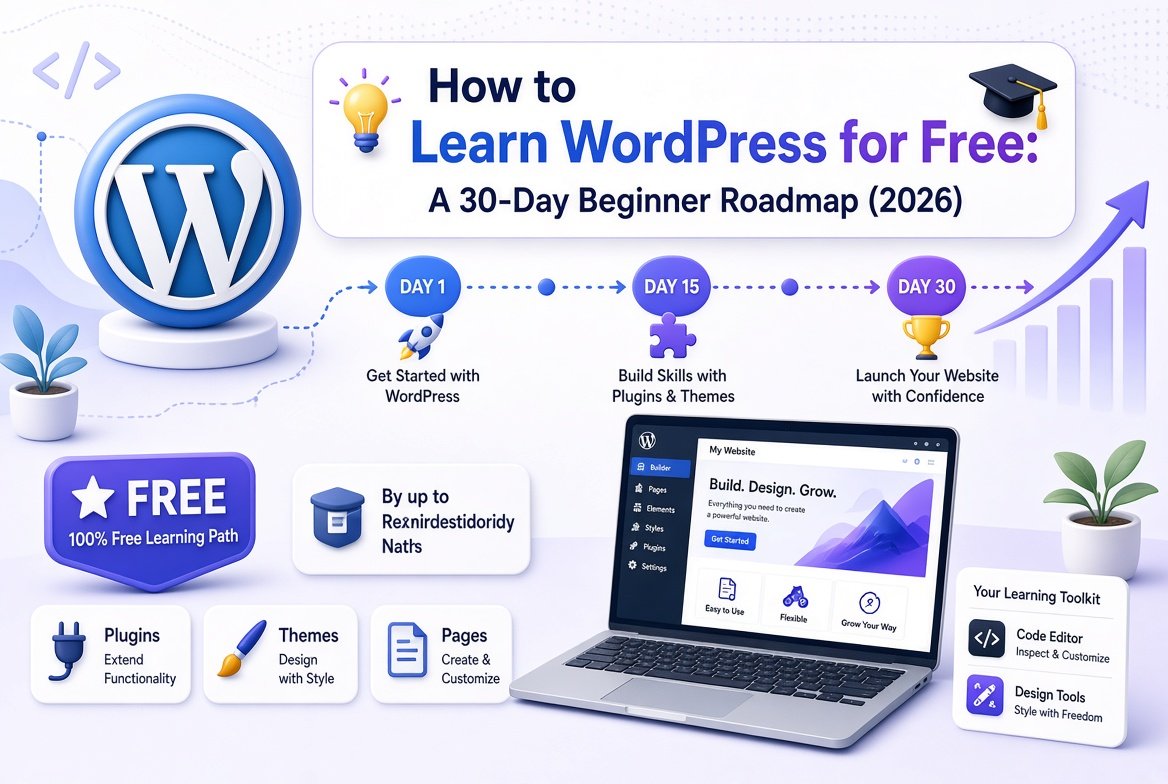
Want to build your own website or blog but do not know where to begin? WordPress is a good place to start. You do not need to know coding, and most of the learning material is free. The hard part is knowing what to learn first.
This beginner roadmap shows you how to learn WordPress for free, step by step, in about 30 days.
WordPress.org vs WordPress.com: know the difference first
Many beginners get confused here, so let us clear it up.
| WordPress.org | WordPress.com | |
|---|---|---|
| Type | Free software you install on your own hosting | A hosted service run by a company |
| Control | Full control over themes, plugins and files | Depends on the plan you choose |
| Cost | You pay for hosting and a domain | Free and paid plans |
| Best for | Blogs, business sites and people who want to grow long term | Quick start with less technical work |
Most bloggers who want to earn from their site choose the self-hosted WordPress.org version. The lessons in this guide work for both.
Your 30-day plan to learn WordPress for free
Week 1: Learn the basics
- Understand the dashboard. Find Posts, Pages, Media, Appearance, Plugins and Settings.
- Know posts vs pages. Posts are for blog articles that appear by date. Pages are for fixed content such as About and Contact.
- Learn categories and tags. Categories group your topics. Tags are small labels. Do not create too many.
- Write and publish a test post. Add a heading, a paragraph, an image and a link.
Week 2: Set up a practice site and use free lessons
- Create a practice website. Use a local tool on your computer or a beginner hosting plan, so you can make mistakes without hurting a real site.
- Use the official free lessons. The Learn WordPress platform has free courses, tutorials, lesson plans and workshops made by volunteer contributors. Start with a beginner course and finish one lesson a day.
- Take notes. Write down what each menu does in your own words.
Week 3: Design, plugins and safety
- Try the block editor. Learn how to add headings, images, buttons, columns and lists.
- Pick a simple, fast theme. Avoid heavy themes with features you will never use.
- Install only the plugins you need. Start with one for SEO, one for backups and one for security. Too many plugins slow your site.
- Learn the safety basics. Use a strong password, keep WordPress, themes and plugins updated, and delete what you do not use.
- Set up automatic backups. A backup saves you if something breaks.
Week 4: SEO and speed
- Set clean permalinks. Use short, readable URLs, such as /how-to-learn-wordpress/.
- Write a clear title and meta description for every page.
- Use headings in order. One H1, then H2 and H3 for sections.
- Add internal links. Link new posts to related older posts.
- Compress images before you upload them, and use a caching plugin from a trusted source.
Keep up with WordPress news and new courses
WordPress changes often, and so does the learning material. The team that makes Learn WordPress posts a monthly progress report. In the October 2026 Training Team update, the team shared a new AI literacy course, a finished German-language course cohort and plans to improve its translated content. You can also read our simple summary of that update. Checking such updates once a month helps you find new free lessons early.
Common mistakes beginners make
- Starting on a live site. Practice on a test site first.
- Installing too many plugins and themes. More is not better.
- Using nulled or pirated themes and plugins. They often carry malware. Use trusted sources only.
- Skipping backups and updates. This is the most common reason sites get hacked or broken.
- Copying content from other sites. Write your own original content.
- Trying to learn everything at once. Learn one topic at a time and build something small.
Free ways to practice
- Build a simple 5-page site: Home, About, Blog, Contact and Privacy Policy.
- Write three short posts and add images with proper alt text.
- Change the theme and see how your content looks.
- Try a free contact form plugin and send yourself a test message.
- Delete the test site and rebuild it from memory. This is the best test.
Frequently asked questions
Can I learn WordPress for free?
Yes. WordPress itself is free software, and there are free official lessons, tutorials and workshops. You only pay for hosting and a domain when you are ready to build a real site.
How long does it take to learn WordPress?
You can learn the basics in about two to four weeks if you practice daily. Becoming comfortable with design, SEO and speed takes a few months.
Do I need to know coding to use WordPress?
No. You can build a full site with themes, blocks and plugins. Basic HTML and CSS can help later, but they are not required.
Should I start with WordPress.org or WordPress.com?
If you want full control and plan to grow a blog or business site, start with self-hosted WordPress.org. If you want a quick, simple start, WordPress.com can work.
What should I learn first?
Start with the dashboard, posts, pages and the block editor. Then move to themes, plugins, backups and basic SEO.
Final thoughts
You do not need to spend money to start learning WordPress. Follow the 30-day plan, build a small practice site and use the free official lessons. Keep practicing, and you will be ready to launch your own site with confidence.